Watching a recorded lecture alone is a slog. You pause, you get distracted, you check your phone. Watching it with a study group keeps you accountable and gives you people to ask when the professor goes too fast. PartyStream lets one person share the recording and everyone watches it in sync, with a chat sidebar for questions and notes.
Why watch lectures together
The main benefit is not the technology. It is that you are less likely to zone out when three other people are watching the same lecture at the same time. If someone pauses to ask a question, everyone stops and discusses. If someone types a key point in the chat, everyone sees it. It turns a passive viewing into a semi-structured discussion.
The chat also gives you a running log of points and questions. It is not saved after the room closes, so screenshot or copy anything important before you leave.
Set up the study room
One person creates a room on partystream.com and shares the code with the study group. Up to 4 guests can join, which is enough for most study groups. Everyone types a name and joins. No accounts, no installs.
The host should be the person with the lecture recording on their computer, and the person with the most stable internet connection. The host uploads the video to each guest, so a wired connection or strong Wi-Fi helps.
Add the lecture files
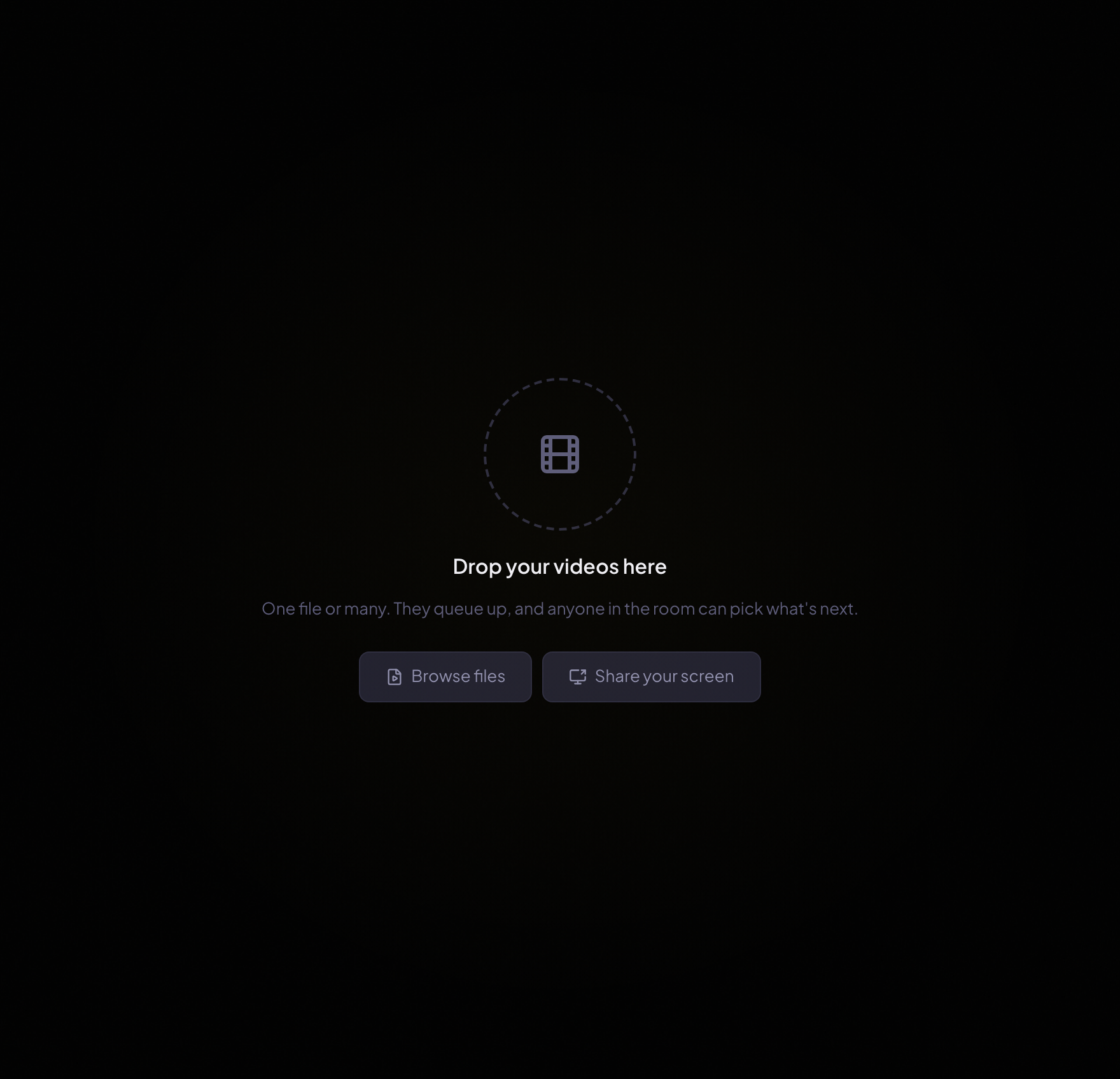
The host drags the lecture recording onto the drop zone, or clicks Browse files to pick it. MP4 with H.264 and AAC is the safe format. If your recording is in another format, convert it before the session. See our video formats guide for conversion steps.
Watch and discuss
The host presses play and everyone watches the same lecture at the same time. When someone has a question, they type it in the chat. When something needs a longer discussion, the host pauses and everyone stops. Resume when the group is ready.
- Pause for questions. The host controls playback, so anyone can ask the host to pause by typing "pause" in the chat.
- Rewind to rewatch. The host can seek back to a specific timestamp. Everyone jumps to the same spot. This is useful for proofs, diagrams, or anything that needs a second look.
- Take notes in chat. Key points, timestamps, and questions all go in the chat sidebar. Copy them before the room closes, because chat is not saved.
- Use voice chat if it is enabled. For longer discussions, join the voice channel and talk instead of typing. Mute when the lecture resumes.
Queue multiple lectures
If you have multiple lectures to get through, the host can add them all at once. They queue up in order, and when one finishes, PartyStream auto-advances to the next. Anyone in the room can click an item in the queue to request it, which asks the host to switch.
For more on the queue, see our queue and binge guide.
Tips for study groups
- Agree on the lecture beforehand. Make sure everyone has the same recording, or at least knows which lecture number you are watching.
- Set a start time and stick to it. Give a 5-minute buffer for the "everyone click the link" dance.
- Take breaks. For long sessions, pause every 20-30 minutes. The host pauses, everyone stretches, then resume.
- Assign a note-taker. One person can be responsible for summarizing key points in the chat while others focus on the lecture.
- Keep the host tab in the foreground. Browsers throttle background tabs, which can stall the video stream.
Ready to study together?
Create a room